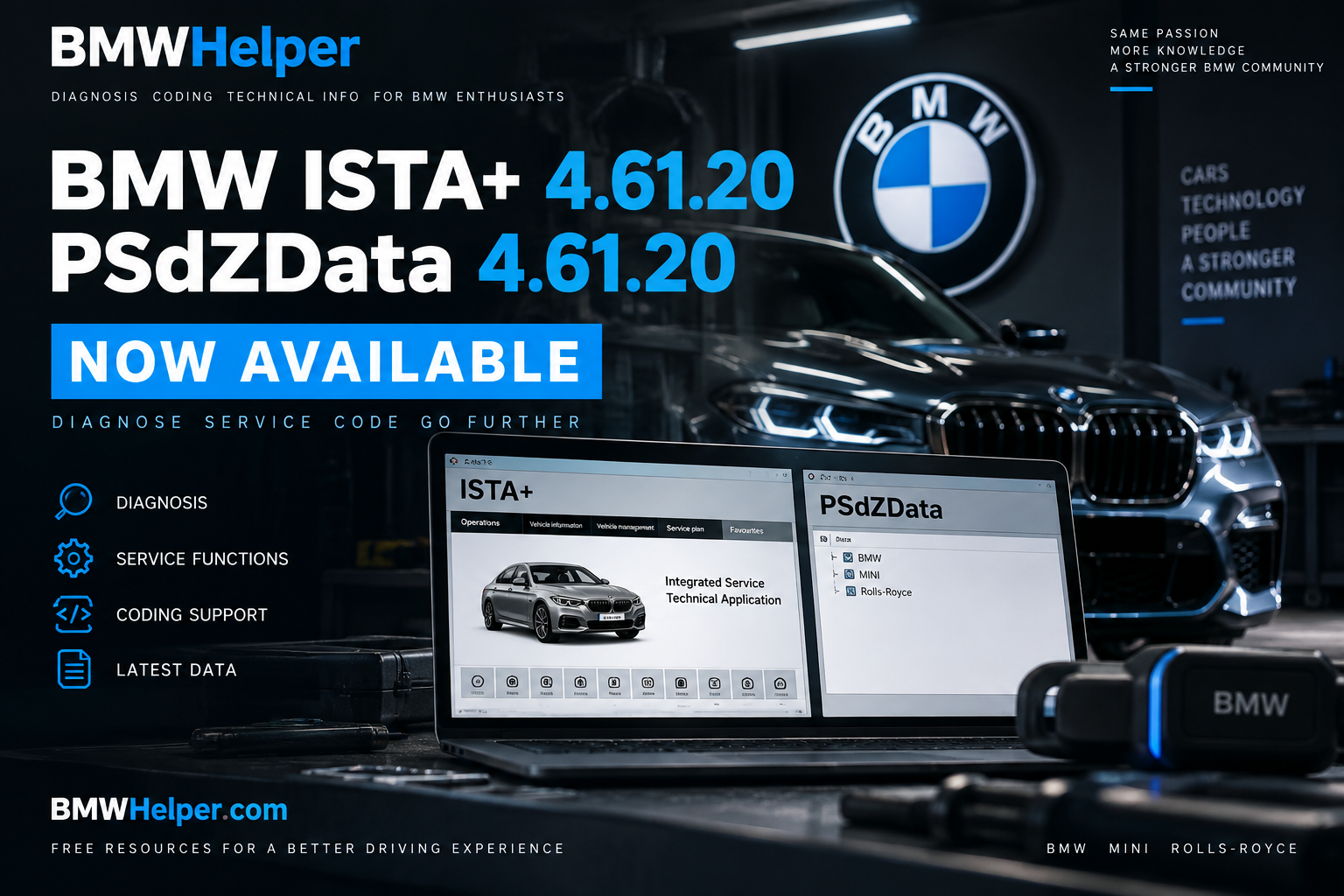
BMW ISTA+ 4.61.20 and PSdZData 4.61.20 Now Available on BMWHelper
New BMW diagnostic and coding resources have been added to BMWHelper: BMW ISTA+ 4.61.20 and PSdZData 4.61.20.
If you work with BMW diagnostics, maintenance, or coding, this is a good opportunity to update your toolkit. Below, we'll briefly explain what each package is used for and why ISTA and PSdZData should not be confused with each other.
BMW ISTA+ 4.61.20
BMW ISTA (Integrated Service Technical Application) is BMW's diagnostic and service platform used for working with BMW Group vehicles.
ISTA can identify the vehicle, read fault codes from control units, perform diagnostic tests and test plans, display live values and ECU parameters, run service functions, and provide technical information required for troubleshooting and repair.
One of ISTA's biggest advantages is that diagnostics do not necessarily end with a simple list of DTCs. The software can generate test plans and guide the technician through a structured troubleshooting process to help identify the possible cause of a problem.
Version ISTA+ 4.61.20 belongs to the current 4.61 software branch and can be used to update a diagnostic environment for supported BMW Group vehicles.
PSdZData 4.61.20
Alongside ISTA, we have also added PSdZData 4.61.20.
PSdZData is a data package used by BMW software when working with vehicle electronic control units. It contains data required for various ECU and vehicle configuration operations.
PSdZData is particularly familiar to users of E-Sys and other compatible BMW coding tools. However, PSdZData is not a standalone application — it is a data package designed to be used together with compatible software.
Keeping PSdZData reasonably up to date becomes especially important when working with newer BMW vehicles and more recent software integration levels.
ISTA vs. PSdZData — What's the Difference?
The simplest explanation is:
ISTA is the application you directly use for vehicle diagnostics and service procedures.
PSdZData is a collection of data used by compatible software when working with BMW ECU software and vehicle configuration.
One does not replace the other. They serve different purposes and are often part of the same BMW diagnostic and coding toolkit.
Should You Update?
If your existing setup fully supports your vehicle and everything you need is working correctly, there is not always an urgent reason to update immediately.
However, when working with newer vehicles, recent integration levels, and newer electronic control units, having current software and corresponding data becomes increasingly important.
Before updating, we recommend keeping a backup of your current working configuration and checking compatibility with the tools you use.
There is also one important rule worth remembering: do not start ECU programming or software updates without a stable vehicle power supply and a clear understanding of the procedure. Reading fault codes is relatively straightforward, but ECU programming requires significantly more care.
Now on BMWHelper
BMW ISTA+ 4.61.20 and PSdZData 4.61.20 have now been added to BMWHelper.
We will continue updating our software section while also expanding our guides for BMW diagnostics, coding, and modern BMW electronic systems.
BMWHelper remains a free resource for BMW owners and enthusiasts, focused on clear guides, useful technical information, and making BMW diagnostics a little easier to understand.